
05 / DREAMERS FREQUENCIES · 2026.10.31 · VERSION 1.1
PRISM
YOUR BACKING TRACK, SPLIT INTO PARTS YOU CAN PLAY.
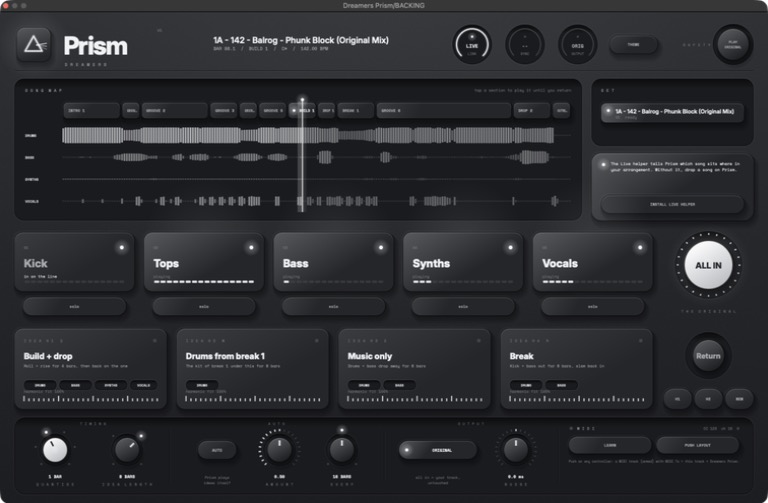
A plug-in for Ableton Live. Put it on your backing track and every song in your set becomes five playable parts: kick, tops, bass, synths and vocals. Take the kick out, solo the synths, fire an idea that re-arranges the song's own parts for a few bars, and PRISM always hands back to the original arrangement on the beat.
WHAT IT IS
THE IDEA IN 20 SECONDSA live set built on backing tracks is usually fixed: the song plays the way it was bounced. PRISM opens the song up while it plays. Each song is split into stems once, before the show, and laid on Live's grid. Then you play the parts, and Live's playhead never moves: the arrangement keeps running underneath, like slip mode on a DJ deck.
THE NAME: A PRISM TAKES ONE BEAM OF WHITE LIGHT AND SPLITS IT INTO ITS COLOURS. THIS ONE TAKES ONE BACKING TRACK AND SPLITS IT INTO ITS PARTS, AND PUTS THEM BACK TOGETHER JUST AS EXACTLY.
PLAY IT
A 32-BAR SONG · EVERY CONTROL · KEYS 1–5 Q W E R A ⏎This song was made in your browser as four stems, the four PRISM splits a song into. The engine below is PRISM's own audio code, ported to your browser: parts switch on the quantise line, ideas read the stems from other bars and other sections, and while everything is in and no idea is playing, what you hear is the original track itself.
Press it to push the stems 180 ms late, as if a song had been laid out wrong. Watch the meter drop and, after six bad readings, PRISM fall back to the original by itself. Press again and it comes back.
SAFE BY DESIGN
IT IS MEANT FOR THE STAGEA backing track is the one thing in a live set that must not fail. So PRISM is built to hand back the original at every turn.
EVERY PARAMETER
20 · IN AUTOMATION, ON PUSH, ON ANY MIDI MAPEvery control is a plug-in parameter, so it can be automated in Live and shows up on Push's encoders. Here they all are, each with what it does in motion.
ON PUSH
DRUM LAYOUT · NOTE 36 BOTTOM LEFTMake a MIDI track, set its input to Push and its output to PRISM on the backing track, and Push's drum pads become PRISM. Tap a pad here to read it. If the song above is playing, the pad plays it too.
TAP A PAD
Rows 1 to 3 are the parts, the ideas and safety. Rows 4 and 5 are the song's sections. HOLD pads loop only while you hold them.
ENCODERS, BANK 1: KICK · TOPS · BASS · SYNTHS · VOCALS · QUANTISE · IDEA LENGTH · AUTO AMOUNT
USE CASES
HOW IT GETS PLAYEDHOW IT WAS BUILT
FROM BRIEF TO RELEASESEE IT
THE REAL SCREENS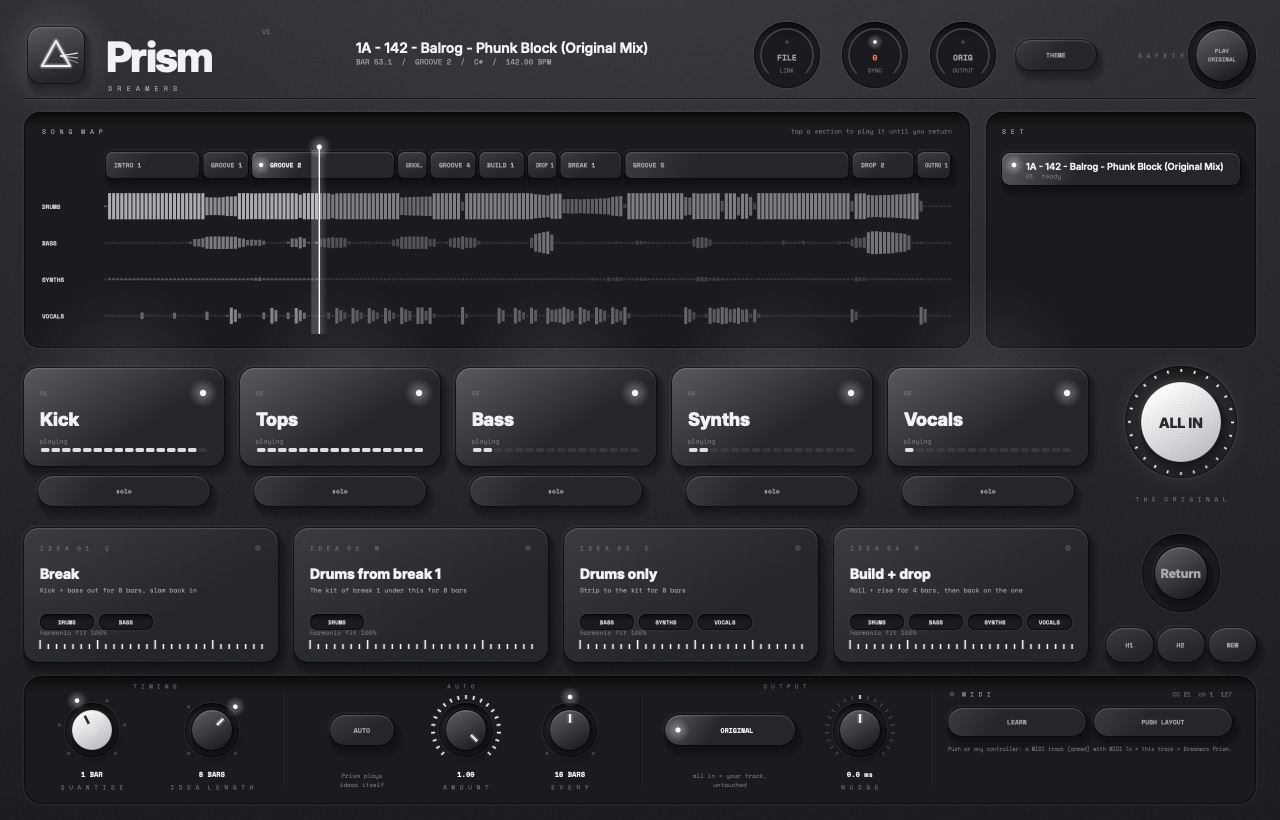
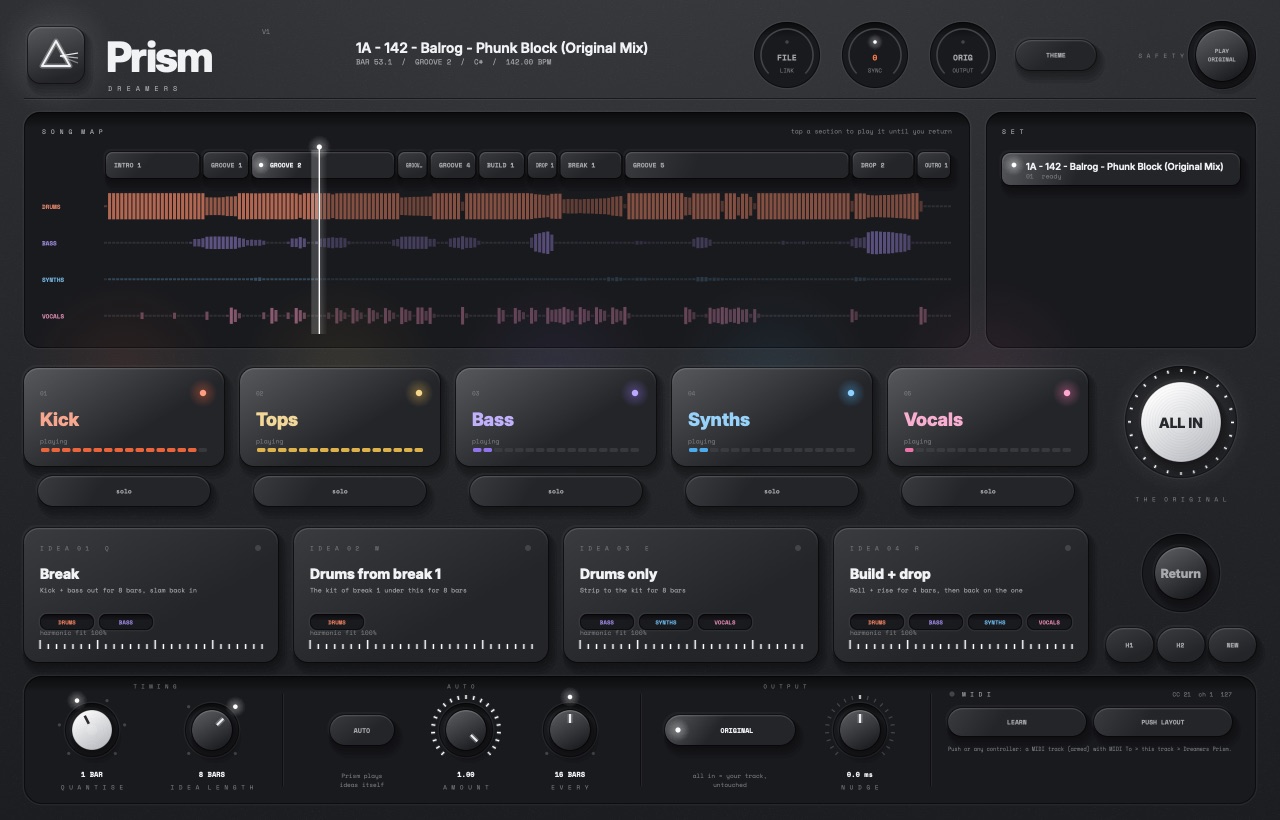
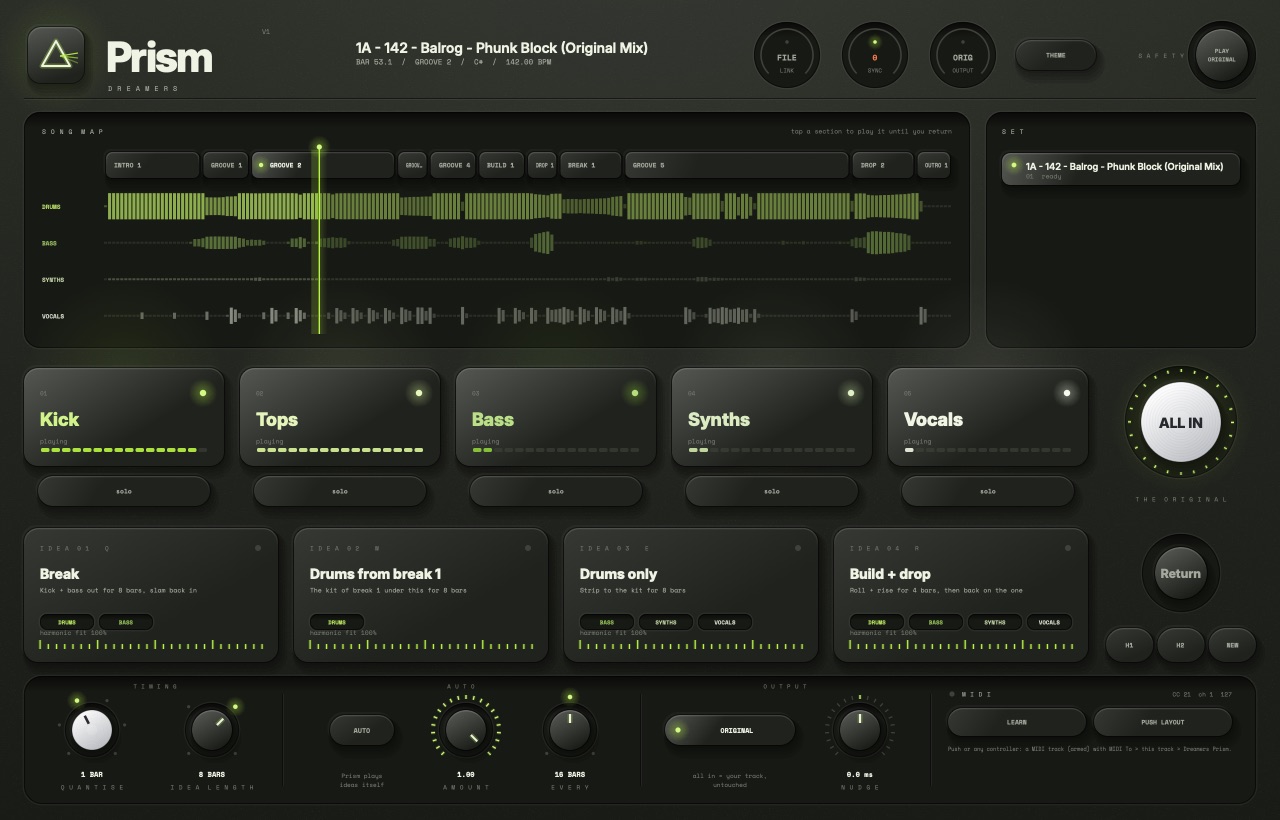
SPECS + LICENCE
WHAT YOU NEED · WHAT YOU GET- FORMAT
- VST3 and Audio Unit audio effect, plus a Live helper (a Control Surface script) that links PRISM to its track and reads the clips' warp markers
- LIVE
- Ableton Live 12, built and tested on Live 12.4. VST3 recommended
- SYSTEM
- macOS 11 or later. Separate downloads for Apple Silicon and Intel
- STEMS
- Each song is split into stems on your Mac, about a minute a song, once, and kept in Music > DREAMERS PRISM > Stems. Needs Python 3 and a one-time download of about 1 GB for the stem engine
- CONTROLLERS
- Push in drum layout (parts, solos, holds, ideas, safety and 16 sections), Push encoders, and LEARN for any other controller
- LOOK
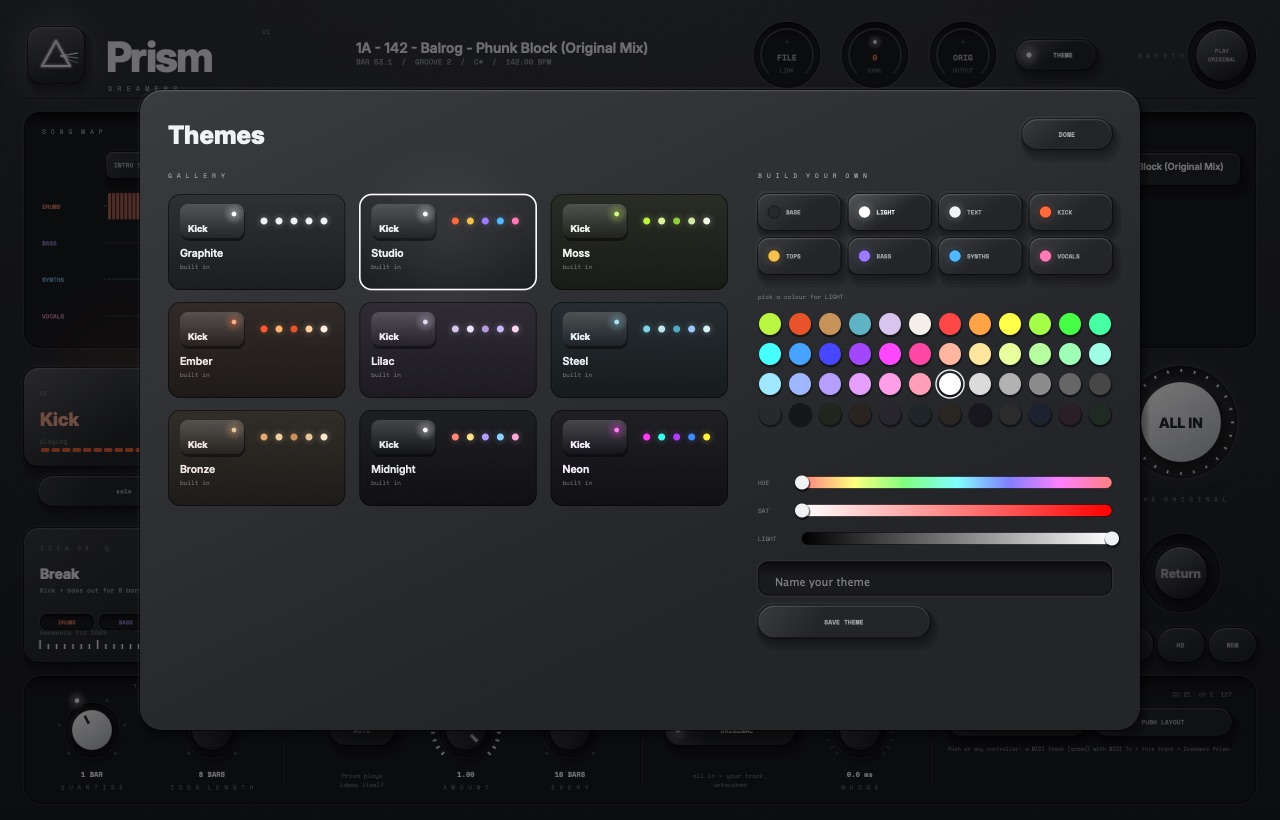
- 9 themes and a theme builder, shared by every PRISM on the Mac
- TRIAL
- 20 minutes of real use, free, with a DREAMERS account
- LICENCE
- One payment · one computer at a time · works offline forever once bought
- ALSO
- DREAMERS PULSE FIELD free with it
DOES IT CHANGE MY TRACK WHEN I'M NOT TOUCHING IT?
No. With every part in and no idea playing, PRISM's output is your track's own audio, bit for bit (ORIGINAL WHEN FULL). It only crossfades to the stems, over 12 ms, when you change something.
WHAT IF THE STEMS DRIFT FROM THE SONG?
The sync meter compares them with your track four times a second. After six bad readings in a row PRISM falls back to the original by itself, and comes back after four good ones. PLAY ORIGINAL does the same by hand.
DOES IT MOVE LIVE'S PLAYHEAD?
Never. Ideas and section jumps read the stems from elsewhere in the song while Live's arrangement keeps running underneath, so RETURN always lands exactly where the song would be.
HOW LONG DOES THE SPLIT TAKE?
About a minute a song, on your Mac, the first time PRISM sees it. After that it's cached and instant. Split your set before the show.
WHAT HAPPENS WHEN THE TRIAL ENDS?
PRISM passes your track through untouched until you buy. MIDI and keys do nothing, and your show plays on.
DOES IT WORK ON PUSH 3 STANDALONE?
Push 3 standalone can't run VST3 plug-ins. Use Push tethered to your Mac.
IS IT IN THE STUDIO BUNDLE?
Yes. The STUDIO BUNDLE (₹5,999) has every DREAMERS plug-in and app except ATLAS, and the free HUB installs them all.
05 / DREAMERS PRISM